Dark Fog Photo Editing Prompt for ChatGPT (2026)
PROMPT
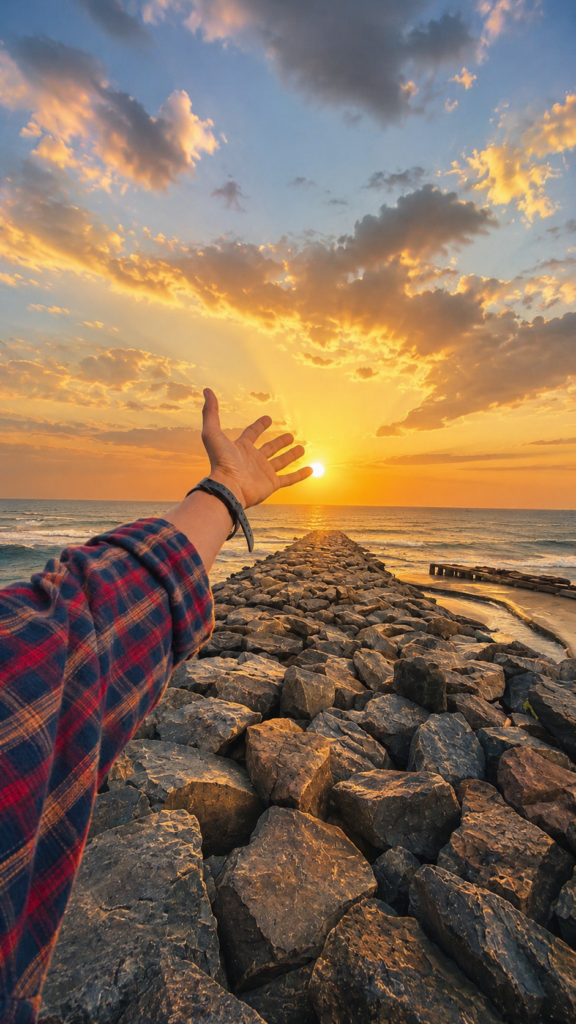
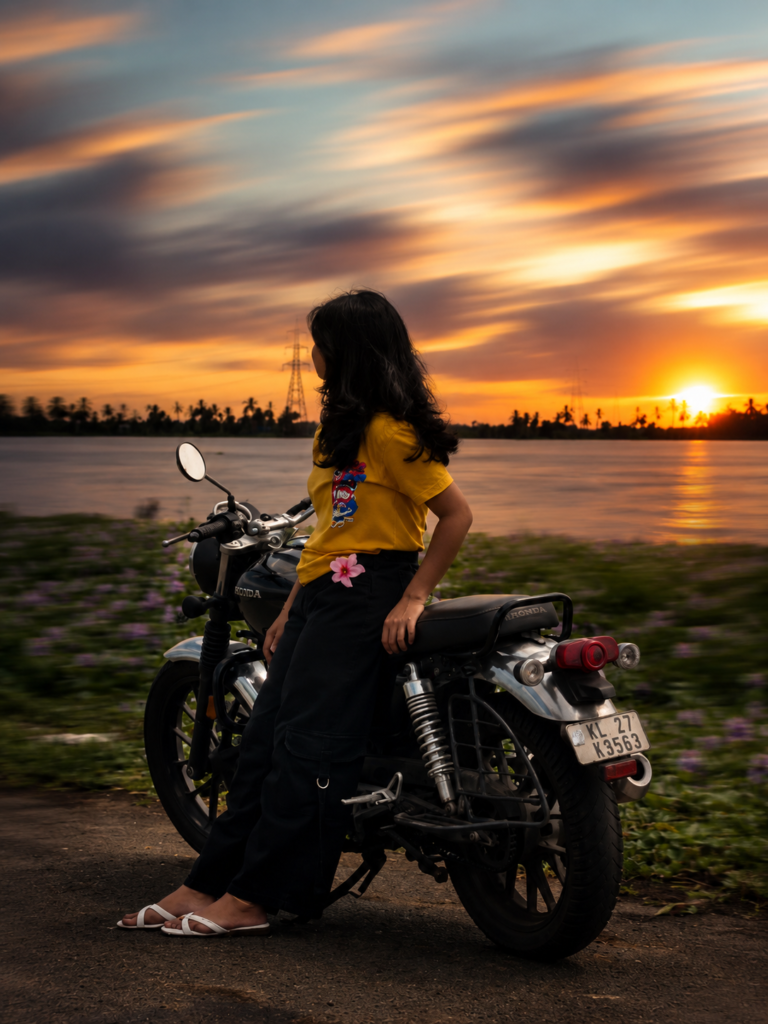
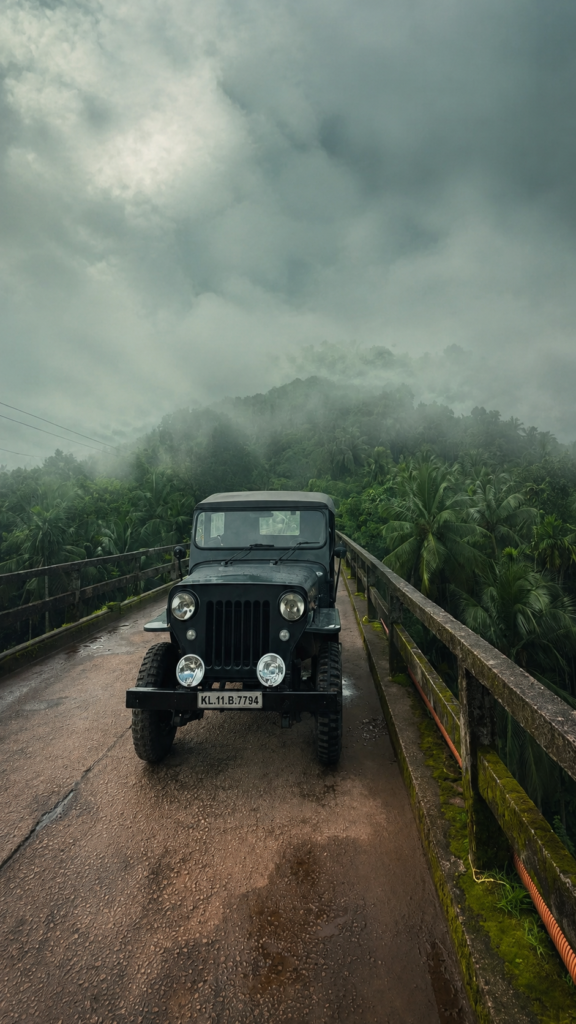
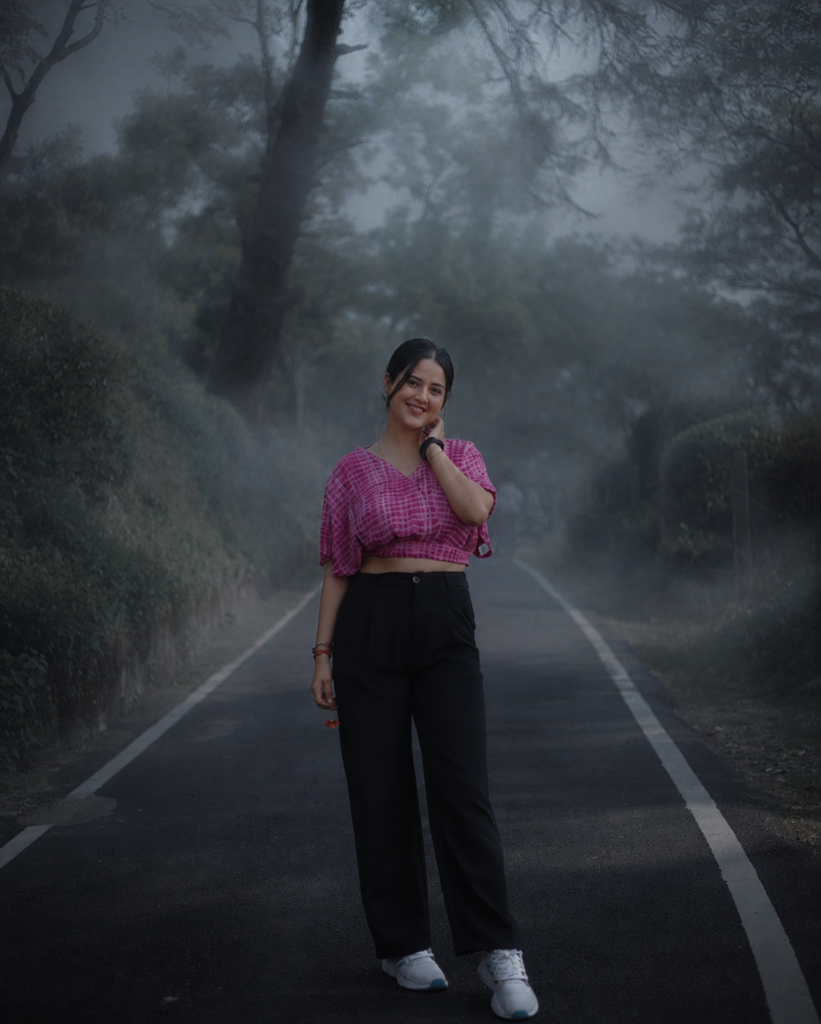
Add a thick, moody fog into the scene and darken the overall atmosphere to create a dramatic, dark aesthetic. Keep all original subjects, background details, compositions, and structures exactly as they are. Only modify the lighting and atmosphere to introduce the foggy, low-light effect without altering any core elements of the original image
Description
Creating dramatic images no longer requires expensive editing software or years of Photoshop experience. With the latest AI image editing tools, you can completely transform the mood of an existing photo simply by using the right prompt. One of the biggest trends in 2026 is the Dark Fog Photo Editing Prompt, which adds a thick, cinematic layer of fog while preserving every important detail of the original image.
This editing style has become incredibly popular on Instagram, Pinterest, YouTube, and other social media platforms because it gives ordinary photos a premium movie-like appearance. Instead of replacing the background or changing the people inside the image, the prompt only modifies the atmosphere, lighting, and mood. The result feels realistic, dramatic, and professionally edited.
What is the Dark Fog Photo Editing Prompt?
The Dark Fog Photo Editing Prompt is an AI image editing instruction designed to transform the atmosphere of an existing photograph instead of changing its subjects. Rather than replacing the people, buildings, trees, roads, or other objects, the prompt tells the AI to keep every element exactly where it is while only introducing thick, moody fog and darker lighting.
This small change completely alters the emotional impact of the image. A bright afternoon scene can suddenly look mysterious, cinematic, and dramatic without appearing unrealistic.
Because the prompt focuses on atmosphere instead of reconstruction, the final image usually looks much more authentic than edits that completely redesign the scene.
Why This AI Prompt Is Trending in 2026
Cinematic editing has become one of the most popular styles across social media. People are looking for images that tell a story instead of simply showing a location.
Full AI Prompt

The dark fog effect creates mystery. It adds emotion without distracting from the original subject, making portraits, travel photos, landscapes, and street photography feel more artistic.
Another reason for its popularity is that AI has become much better at understanding natural language. Modern AI models can accurately follow instructions such as preserving every detail while modifying only the lighting and weather conditions.
Creators also appreciate how quickly they can produce professional-looking edits without learning complicated software.
Features of This Prompt
One of the strongest advantages of this prompt is that it respects the original composition. The AI keeps every person, object, structure, and background detail exactly where it belongs while enhancing only the mood.
The fog blends naturally into the environment instead of looking like a digital overlay. Shadows become softer, highlights become more controlled, and the darker atmosphere creates cinematic depth.
The prompt also works across different types of photography. Whether the original image was captured outdoors, in nature, on city streets, or near mountains, the atmospheric transformation feels consistent and realistic.
How to Use This Prompt in ChatGPT
Start by opening ChatGPT and choosing the image editing option. Upload the original photo that you want to transform. The clearer the original image is, the better the AI can preserve its details.
After uploading the image, simply paste the complete prompt into the message box. The prompt clearly tells the AI that the composition must remain unchanged while only the atmosphere should become darker and foggier.
Generate the image and review the result. If you want a stronger cinematic effect, you can slightly adjust the wording by asking for denser fog or lower ambient light while still keeping the original scene untouched.
Once satisfied, download the edited image and use it for your preferred platform.
Best Settings for Better Results
| Setting | Recommended Value |
|---|---|
| Style | Cinematic Realism |
| Quality | Ultra HD |
| Lighting | Low Light with Soft Shadows |
| Camera | DSLR Realistic Look |
| Aspect Ratio | Original or 4:5 for Instagram |
These settings help produce realistic edits while maintaining natural textures and high image quality.
Pro Tips for Viral Results
Always begin with a high-resolution image because AI preserves details much better when the original photo is sharp.
Natural outdoor photographs usually respond best to atmospheric prompts since fog blends more realistically into open environments.
Avoid applying excessive additional effects. The strength of this prompt lies in its simplicity, allowing the fog and lighting to become the primary visual enhancement.
Experiment with early morning scenes, forest roads, mountain viewpoints, lakes, bridges, and empty streets. These locations naturally complement the cinematic mood.
If you are posting on Instagram, pair the image with a minimalist caption that enhances the mysterious feeling rather than explaining everything.
Consistency also matters. Using the same editing style across multiple posts helps create a recognizable visual identity for your profile.
Portrait images often become even more dramatic when the background fades softly into the fog while facial details remain sharp.
Landscape photography benefits from subtle contrast adjustments after the AI edit, making the final image feel even more immersive.
Test both vertical and square formats depending on your target platform.
Finally, remember that the most realistic edits are usually the most impressive. Keeping the transformation believable often performs better than adding exaggerated effects.
Common Mistakes to Avoid
Many beginners accidentally ask the AI to redesign the entire scene instead of modifying only the atmosphere. This often results in completely different backgrounds and altered subjects.
Another common mistake is using low-quality source images. Heavy compression can reduce the realism of the fog effect.
Adding too many conflicting instructions inside one prompt may also confuse the AI. Keeping the prompt clean and focused usually produces better results.
Some creators over-edit the generated image afterward, removing the natural cinematic appearance that made the prompt effective in the first place.
Where Can You Use These Images?
Dark cinematic edits work beautifully on Instagram feeds because they instantly attract attention while maintaining a premium aesthetic.
Facebook creators often use this style for storytelling posts and personal photography since the dramatic atmosphere encourages viewers to spend more time looking at the image.
YouTube creators can also use these edits as eye-catching thumbnails, especially for travel, mystery, cinematic, or storytelling content.
The same images make stylish WhatsApp display pictures because the darker mood creates a professional appearance even in smaller formats.
Pinterest users frequently save atmospheric photography, making this editing style highly shareable across inspiration boards.
Blog owners can use these visuals as featured images to make articles feel more engaging and visually appealing.
Why People Love This Prompt
People enjoy this prompt because it transforms emotion rather than replacing reality. Instead of creating an entirely different image, it enhances the feeling already present in the original photograph.
The result often resembles a professionally color-graded movie scene. The fog softens distracting details while emphasizing the subject, creating stronger visual storytelling.
Another reason for its popularity is consistency. Since the prompt protects the original composition, creators can edit multiple photos using the same style without losing authenticity.
This makes it especially valuable for photographers, influencers, travel bloggers, and social media creators who want a recognizable visual identity.
Frequently Asked Questions
Can I use this prompt with any photo?
Yes. It works best with outdoor images, travel photography, portraits, and landscapes, but it can also enhance many other scenes.
Does the prompt change the people inside the image?
No. The instruction specifically tells the AI to preserve all original subjects and compositions.
Is this prompt beginner-friendly?
Absolutely. Simply upload your image, paste the prompt, and generate the result.
Can I use the edited image on Instagram?
Yes. The cinematic style is especially popular for Instagram posts, Reels covers, and profile content.
Does this prompt work for landscapes?
Yes. Landscapes often produce some of the most dramatic and realistic fog effects.
Should I edit the image again after AI generation?
Minor adjustments are fine, but heavy editing can reduce the natural appearance of the atmospheric effect.
Which aspect ratio is best?
For Instagram, a 4:5 ratio usually performs well, while YouTube thumbnails are better suited to 16:9.
Why does realistic fog look better than heavy effects?
Subtle atmospheric changes create a believable cinematic mood, making the final image appear professionally edited rather than artificial.
Can I reuse this prompt for different photos?
Yes. It is designed to work consistently across a wide range of images while preserving the original composition.
Is this editing style still trending in 2026?
Yes. Moody cinematic aesthetics continue to be one of the most popular AI photo editing styles because they combine realism with dramatic storytelling.
Conclusion
The Dark Fog Photo Editing Prompt is one of the easiest ways to transform an ordinary photograph into a cinematic masterpiece without changing its original composition. Instead of replacing subjects or redesigning the background, it enhances the atmosphere through realistic fog, darker lighting, and subtle mood adjustments.
Its simplicity is exactly what makes it so powerful. Beginners can achieve professional-looking edits in minutes, while experienced creators can use it as the foundation for consistent visual branding across social media platforms. Whether you’re creating Instagram posts, YouTube thumbnails, Pinterest graphics, or portfolio images, this prompt delivers dramatic yet believable results.
If you’re looking for an AI photo editing prompt that combines realism, creativity, and ease of use, this cinematic fog prompt deserves a place in your collection. Try it with your favorite images and see how a simple atmospheric change can completely transform the story your photos tell.