Golden Sunset AI Photo Editing Prompt with ChatGPT
PROMPT
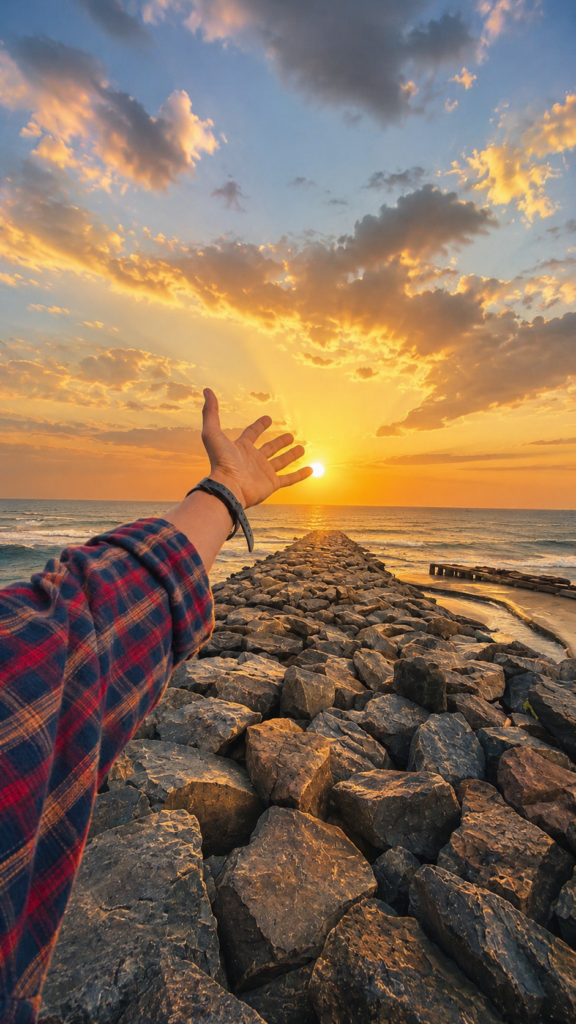
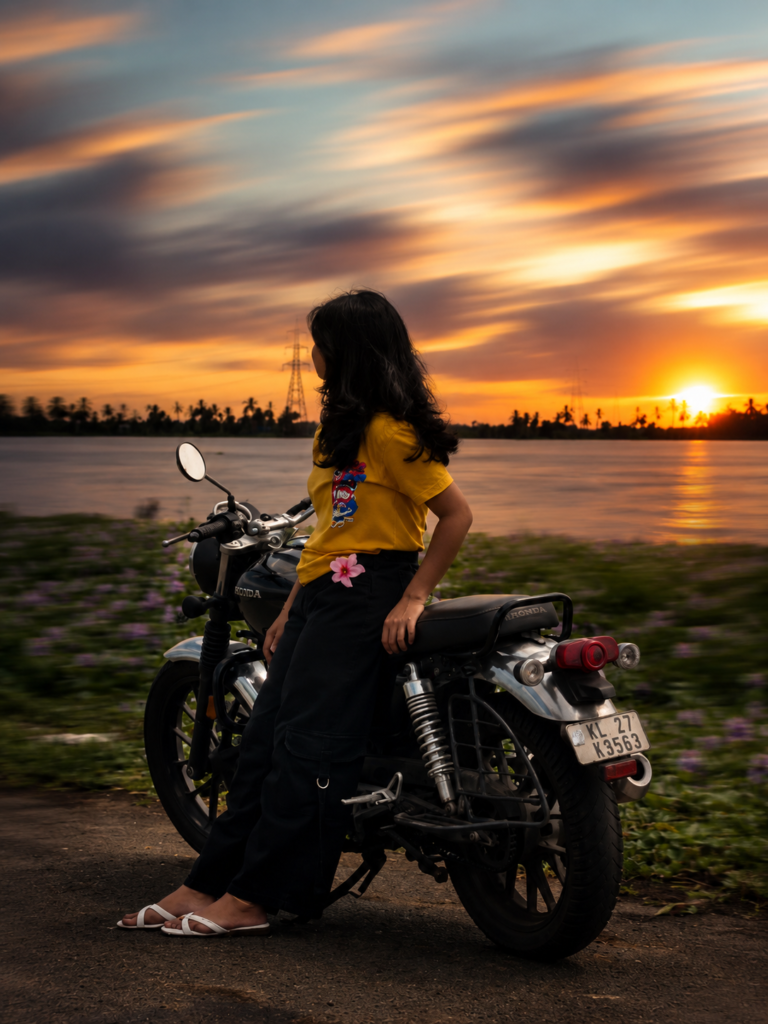
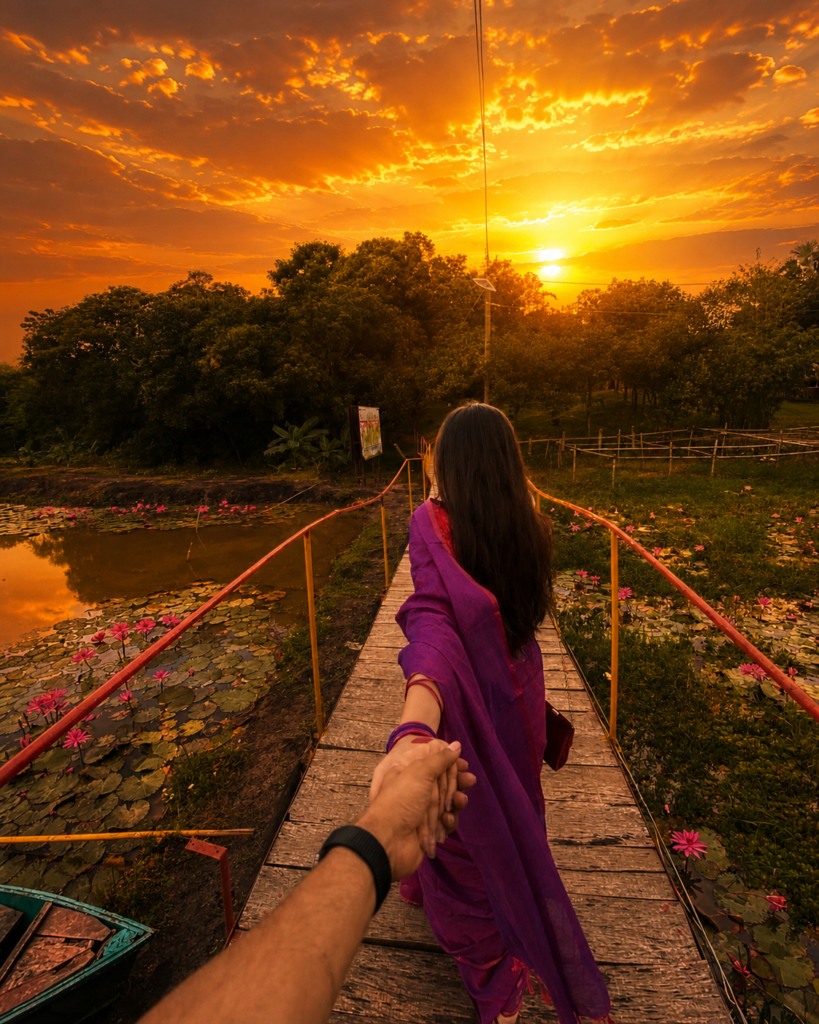
Use the uploaded image as the exact reference. Preserve the subject exactly as in the original image. Keep the same face, skin tone, hairstyle, facial expression, clothing colors, body proportions, pose, shoes, hands, lighting on the subject, camera angle, framing, composition, and every visible detail exactly unchanged. Do NOT recolor, relight, retouch, beautify, or modify the person in any way. Only transform the background into a breathtaking cinematic golden sunset landscape. Replace the dull sky with dramatic orange and golden clouds, a glowing sun near the horizon, soft volumetric light rays, warm atmospheric haze, and rich sunset colors. Apply the sunset effect ONLY to the background while blending it naturally with the original subject. The person should remain identical to the original photo with the exact same colors and appearance. Ultra-realistic, photorealistic, DSLR quality, HDR, natural blending, 8K.
Description
Golden Sunset AI Photo: Have you ever looked at an ordinary outdoor photo and imagined how amazing it would look during a magical golden sunset? Warm sunlight, dramatic orange clouds, glowing skies, and soft cinematic light can completely change the mood of a picture. The good news is that you no longer need expensive editing software or advanced Photoshop skills to achieve this look. With the right ChatGPT AI photo editing prompt, you can transform a simple image into a professional cinematic masterpiece within minutes.
The best part about this prompt is that it keeps the original subject completely unchanged. Your face, clothing, hairstyle, skin tone, pose, lighting on the person, and every important detail remain exactly the same. Only the background is transformed into a breathtaking golden hour landscape with realistic sunlight, volumetric rays, and dramatic sunset colors. This creates a natural-looking edit instead of an artificial AI-generated image.
What is the Cinematic Golden Sunset AI Photo Editing Prompt?
The Cinematic Golden Sunset AI Photo Editing Prompt is a carefully written instruction designed for AI image generation tools like ChatGPT. Instead of recreating your entire photo, the prompt tells the AI to preserve every visible detail of the original subject while replacing only the background with a beautiful cinematic sunset scene.
This makes the final result look much more realistic because the person remains completely authentic. The AI focuses only on enhancing the surroundings by adding warm golden skies, dramatic clouds, atmospheric haze, glowing sunlight, and soft volumetric lighting. Since the original subject is preserved, the generated image looks like it was actually captured during a real golden hour photoshoot rather than being heavily edited.
Another reason this prompt has become so popular is its versatility. It works with portraits, travel photos, casual outdoor pictures, lifestyle photography, fashion shoots, and many other image styles while maintaining a natural appearance.
Why This AI Prompt is Trending in 2026?
Artificial intelligence has completely changed the way creators edit photos. Instead of spending hours adjusting colors, replacing skies, masking subjects, and correcting lighting, users can now achieve professional-quality edits simply by using a detailed prompt.

The Cinematic Golden Sunset AI Photo Editing Prompt has become especially popular because sunset photography never goes out of style. Warm orange tones naturally attract attention on social media feeds and create an emotional, premium look that audiences love.
Features of This Prompt
One of the biggest strengths of this prompt is its ability to preserve the original subject without making unwanted changes. Instead of generating a completely new person, the AI keeps every important facial and body detail intact while focusing entirely on the surrounding environment.
Finally, the prompt is beginner-friendly. Even users with no editing experience can achieve premium-quality results simply by uploading an image and pasting the prompt into ChatGPT.
How to Use This Prompt in ChatGPT
The first step is to choose a high-quality outdoor photo where the subject is clearly visible. Images with good natural lighting usually produce the most realistic results because the AI can blend the new sunset background more effectively.
After selecting your photo, upload it directly into ChatGPT or your preferred AI image generation platform. Once the image has finished uploading, copy the complete prompt exactly as provided above and paste it into the prompt box without removing any instructions.
Why This Prompt Creates Such Realistic Results
One of the biggest reasons this Cinematic Golden Sunset AI Photo Editing Prompt looks so convincing is that it never asks the AI to redesign the subject. Instead, every important detail of the original person is preserved exactly as it appears in the uploaded image. Facial features, hairstyle, clothing colors, body proportions, pose, and even the lighting on the subject remain untouched, making the final result look natural rather than artificially generated.
Another reason is the way the background is transformed. Rather than replacing everything with an unrealistic fantasy scene, the prompt focuses on believable cinematic elements such as glowing sunset skies, warm orange clouds, soft volumetric light rays, atmospheric haze, and realistic HDR colors. These additions blend smoothly with the original image, creating the impression that the photo was actually taken during golden hour.
Getting Even Better Results Tips
Uploading the highest-quality photo available always produces better results. A sharp image allows the AI to preserve facial details more accurately while creating cleaner background transitions.
Outdoor photos generally work better than indoor images because the existing natural light blends more convincingly with a cinematic sunset environment. If possible, choose photos taken during daylight with the subject clearly visible.
Avoid applying heavy filters before uploading your image. Over-edited photos can confuse the AI and reduce the realism of the final result. A clean, original image gives the prompt the best chance of creating a professional-looking sunset effect.
Keeping the entire body or at least the upper half of the subject visible also improves composition. This gives the AI more context for maintaining proportions while replacing the background.
Common Mistakes to Avoid
Many users accidentally upload low-resolution or blurry images, which limits the AI’s ability to preserve facial details accurately. Starting with a sharp photo always produces noticeably better results.
Cropping the subject too tightly is another common mistake. Leaving a little extra background around the person gives the AI enough space to create a natural-looking sunset scene without making the composition feel cramped.
Where Can You Use These AI Images?
A cinematic sunset portrait instantly grabs attention on Instagram, whether you’re sharing a regular post, carousel, Story, or Reel cover. The warm golden tones make the image stand out naturally in busy feeds and often encourage higher engagement.
On Facebook, these edits work beautifully for profile pictures, cover photos, travel albums, and lifestyle posts. The realistic sunset atmosphere gives everyday photos a more premium and memorable appearance.
For YouTube creators, this style is an excellent choice for thumbnails. Bright golden skies, dramatic lighting, and natural portraits can significantly improve click-through rates while maintaining a professional look.
Why People Love This Prompt
The biggest reason creators keep coming back to this Cinematic Golden Sunset AI Photo Editing Prompt is its ability to deliver professional-looking results without requiring any editing experience.
Instead of spending hours masking the subject, replacing the sky, adjusting colors, and balancing light, users can achieve the same premium look with a single well-crafted prompt. This simplicity makes it appealing to beginners while still producing results that satisfy experienced creators.
Another reason for its popularity is consistency. Many AI prompts unintentionally change facial features, skin tone, clothing, or body proportions, making the final image look unrealistic. This prompt is specifically designed to preserve every visible detail of the original subject while transforming only the background. As a result, the generated image feels authentic, as though it was captured during an actual golden hour photoshoot.
FAQs
Can I use this prompt with ChatGPT image generation?
Yes. This prompt is designed for ChatGPT’s image generation capabilities and works best when you upload your original image first, then paste the complete prompt without removing the preservation instructions.
Will the AI change my face?
No. The purpose of this prompt is to preserve your face, skin tone, hairstyle, expression, clothing, and body proportions exactly as they appear in the original image. Only the background is transformed into a cinematic sunset scene.
Does this prompt work for couples?
Absolutely. You can use the same prompt for couple photos by replacing references to a single subject with instructions to preserve both people exactly as they appear in the original image.
Which type of photo gives the best results?
Outdoor images captured in natural daylight usually produce the most realistic and visually appealing results because the existing lighting blends naturally with the generated sunset environment.
Can I use this prompt for Instagram Reels covers?
Yes. A vertical 9:16 aspect ratio is ideal for Instagram Reels, Stories, and Shorts, while 4:5 works well for standard Instagram posts.
Is this prompt beginner-friendly?
Definitely. You don’t need Photoshop or advanced editing skills. Simply upload your photo, paste the prompt, and let the AI generate the cinematic background.